Grazy
Active DevelopmentFrom live HTML to editable Figma layers
Bridge the gap between code and design. Capture live HTML and convert it into editable Figma layers, then export starter code for multiple platforms.
How It Works
Import HTML to Figma
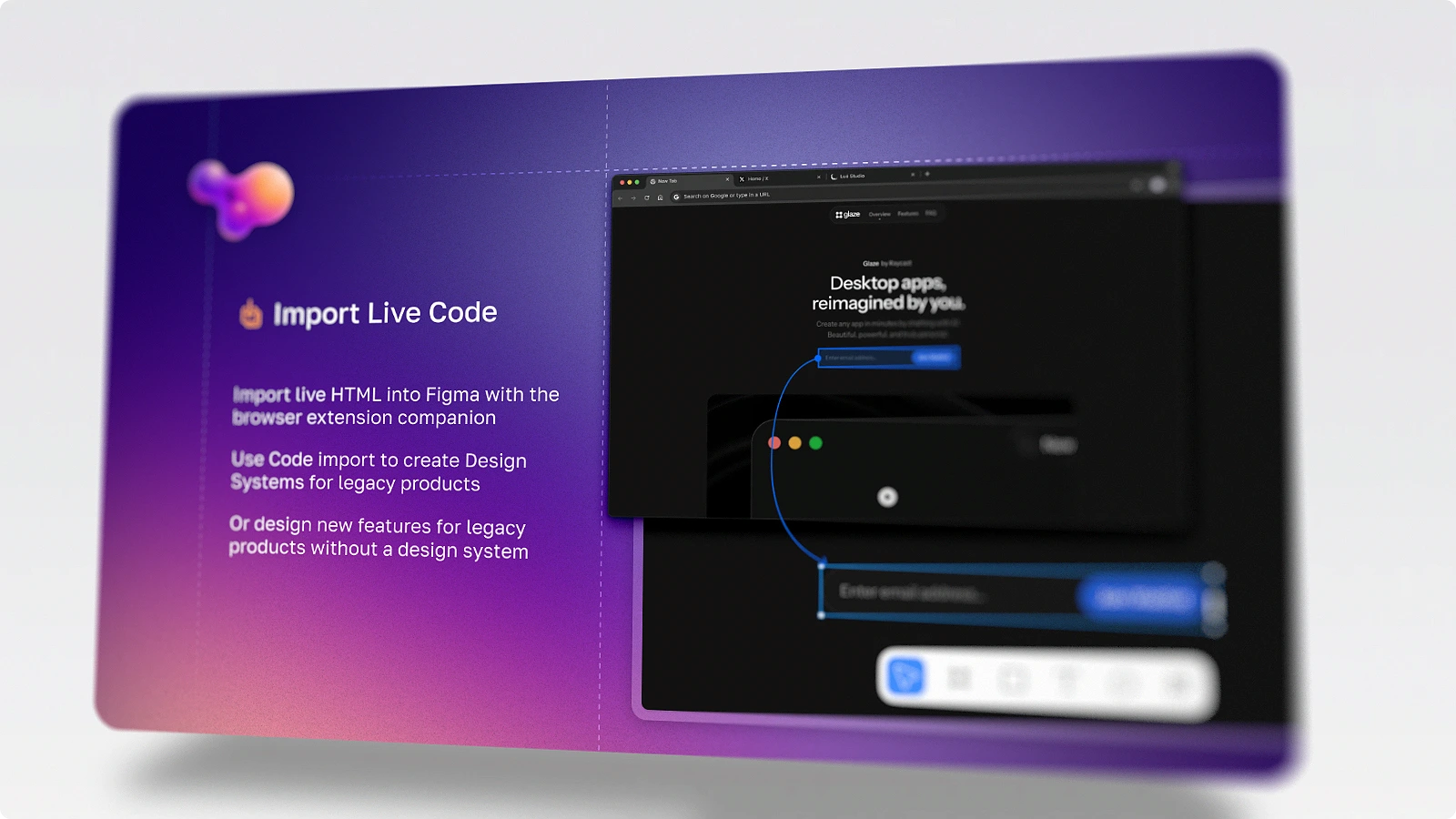
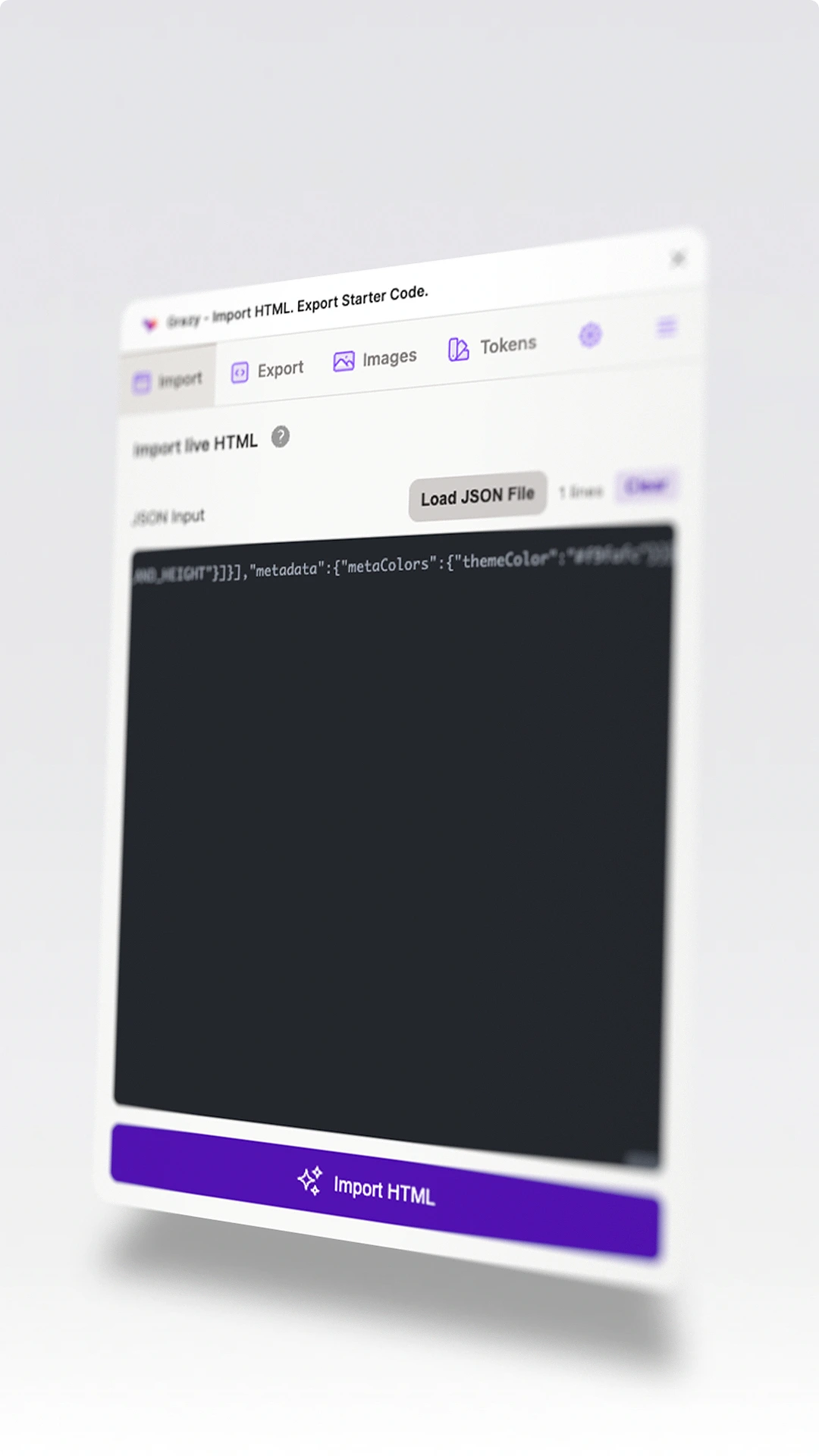
Capture live websites, selected HTML elements, and screenshots, then import the result into Figma as editable layers
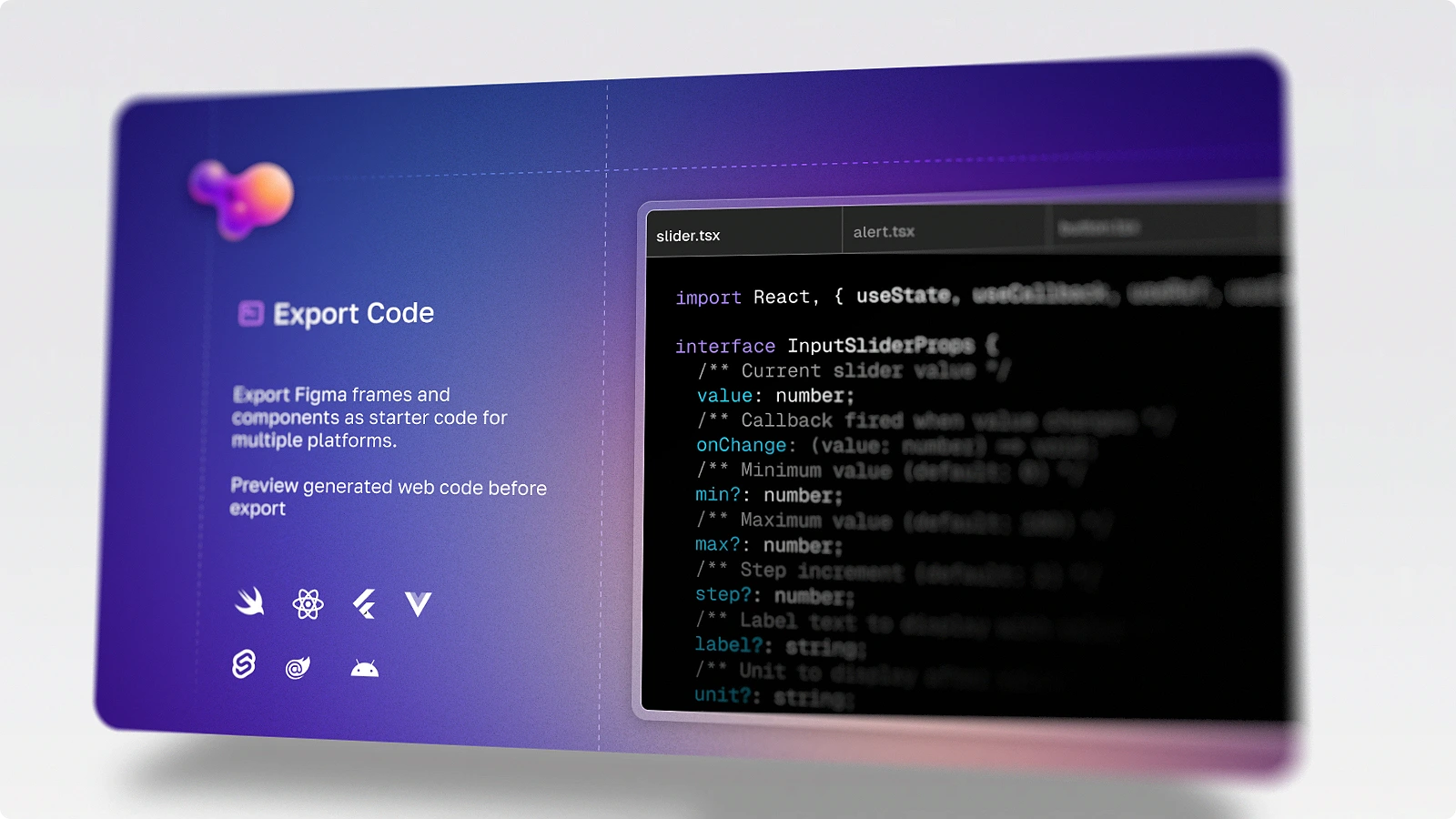
Export to Code
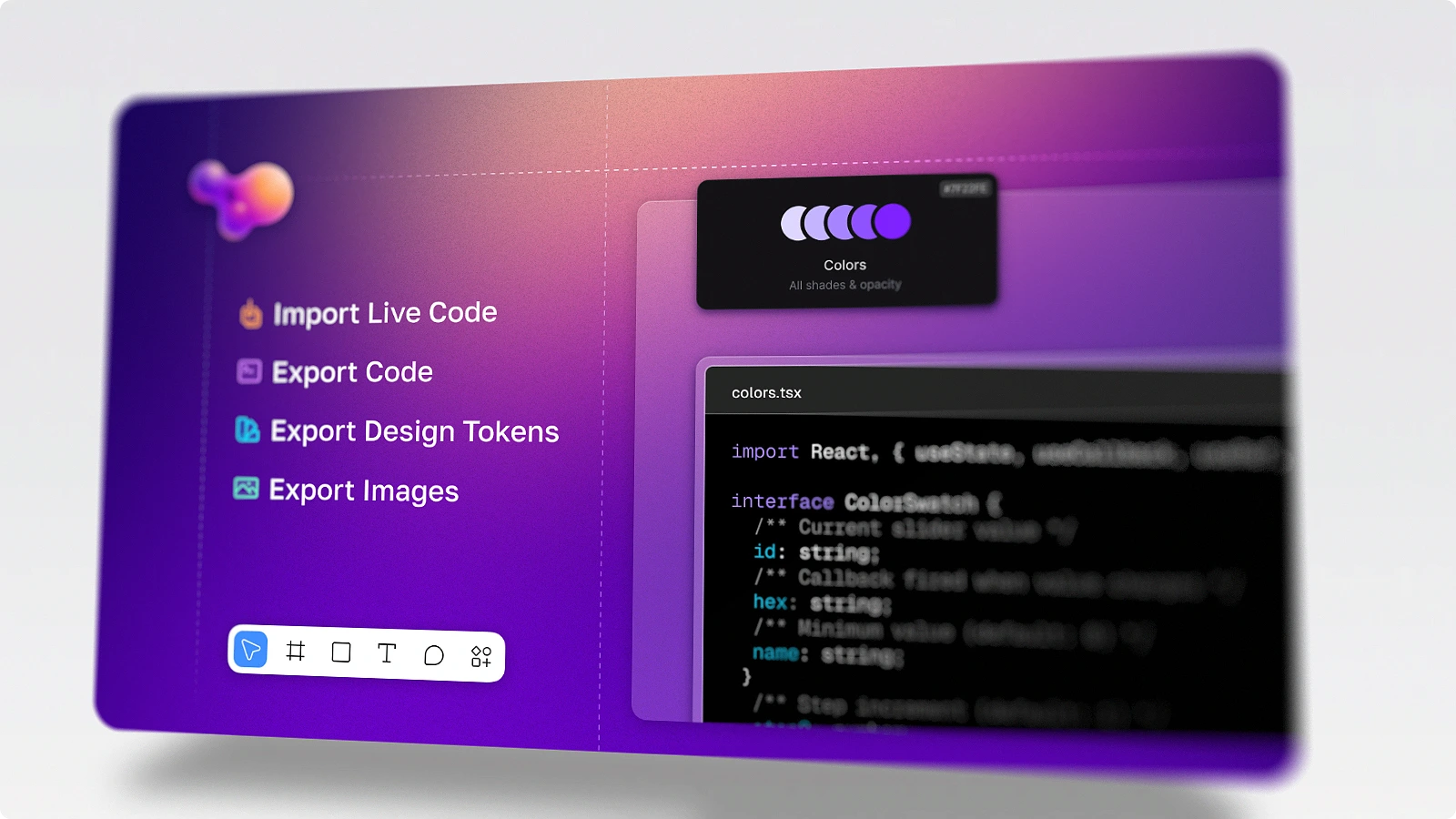
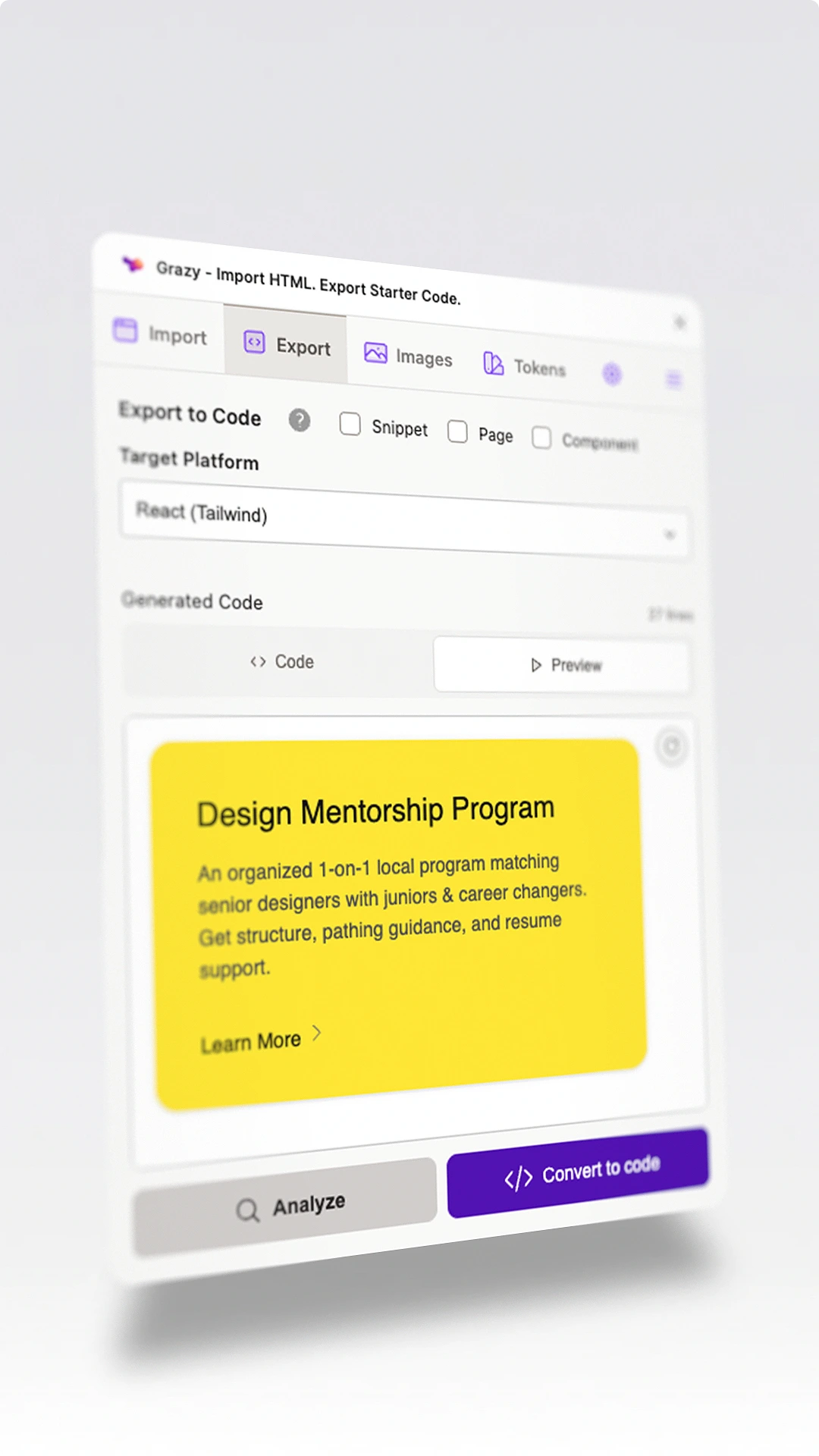
Export your Figma designs to starter code in multiple frameworks
Inside the plugin
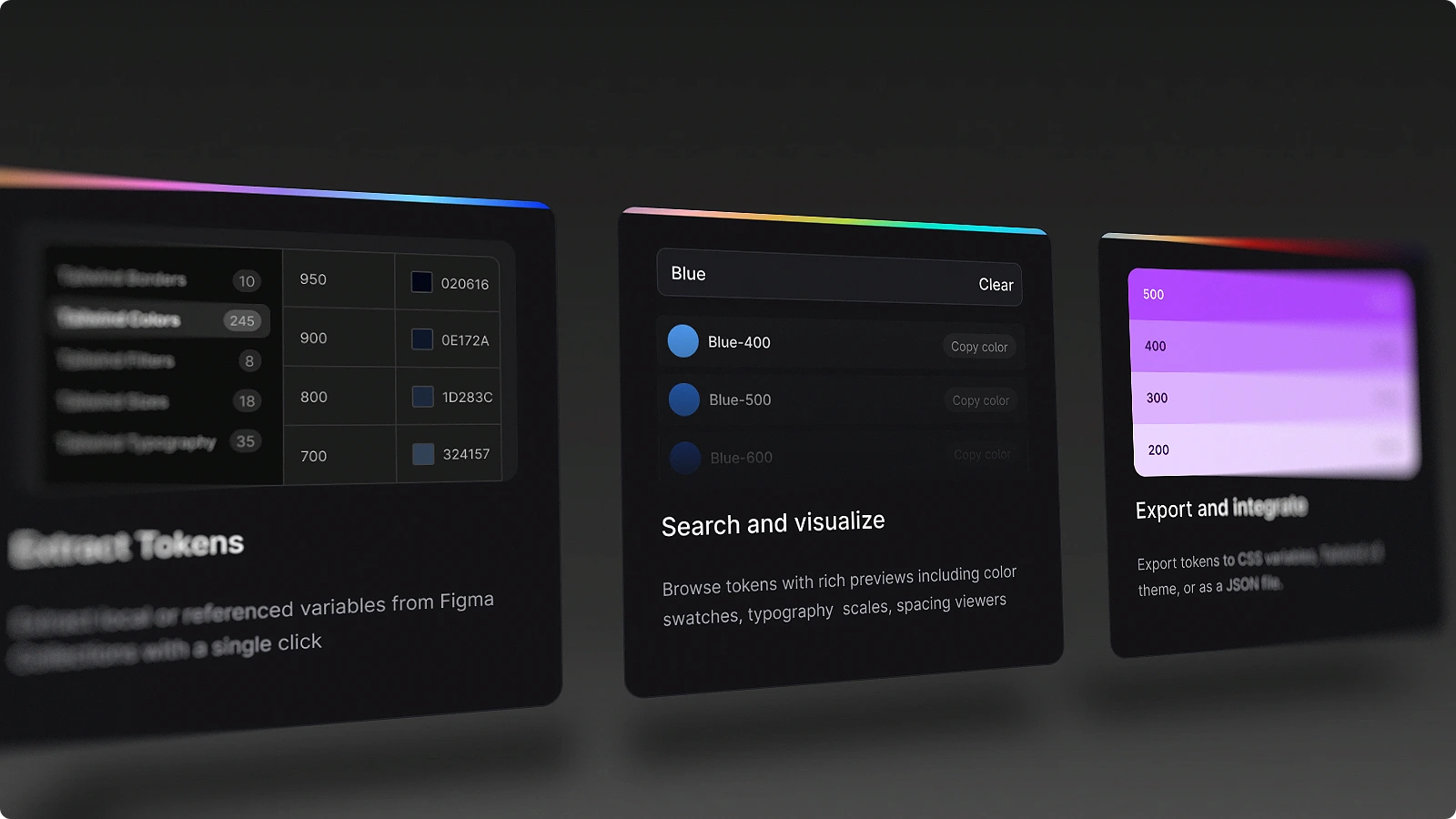
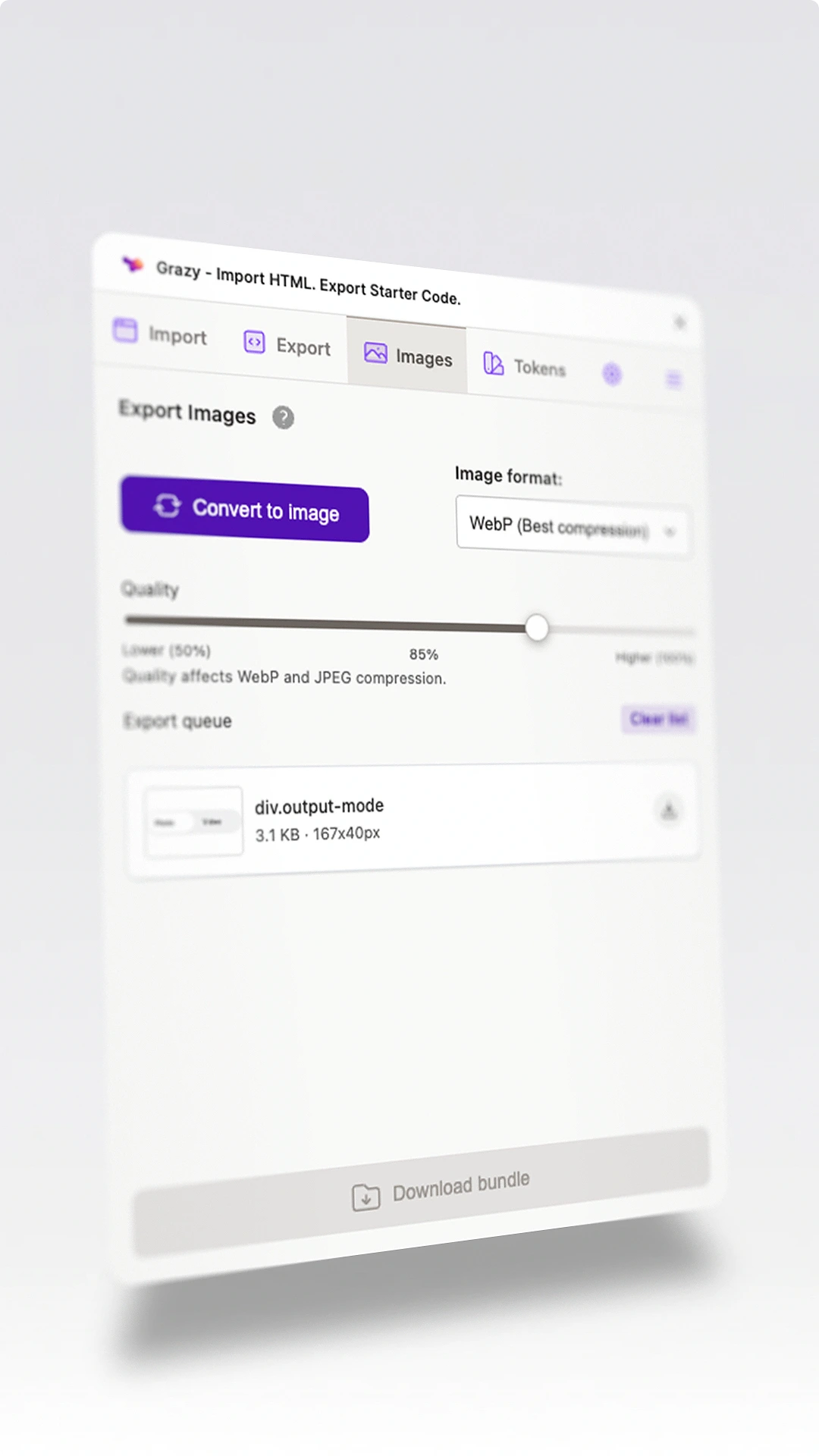
The core workflow lives in the plugin: import live HTML, inspect the result, export code, and move between design tokens and assets.
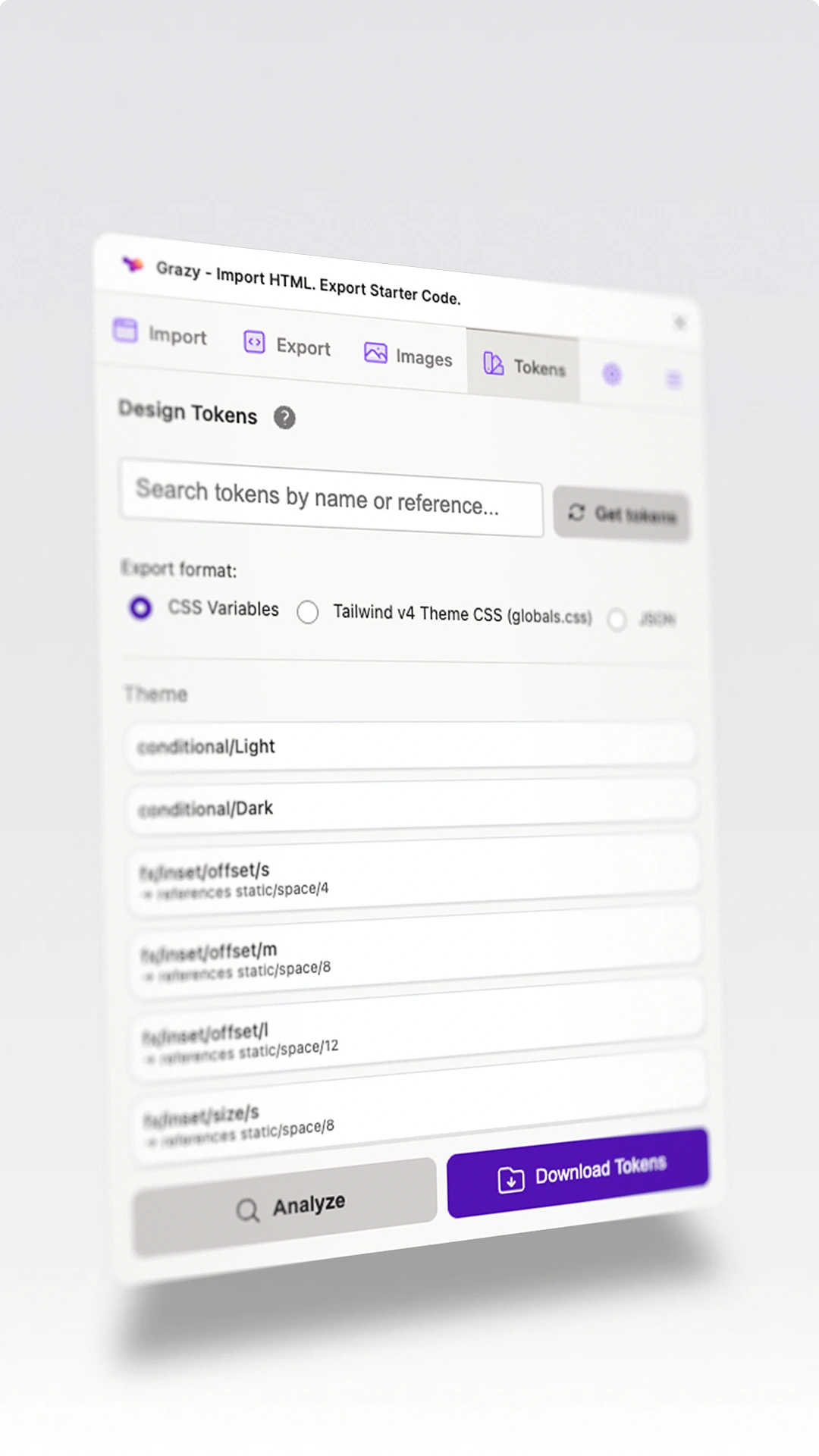
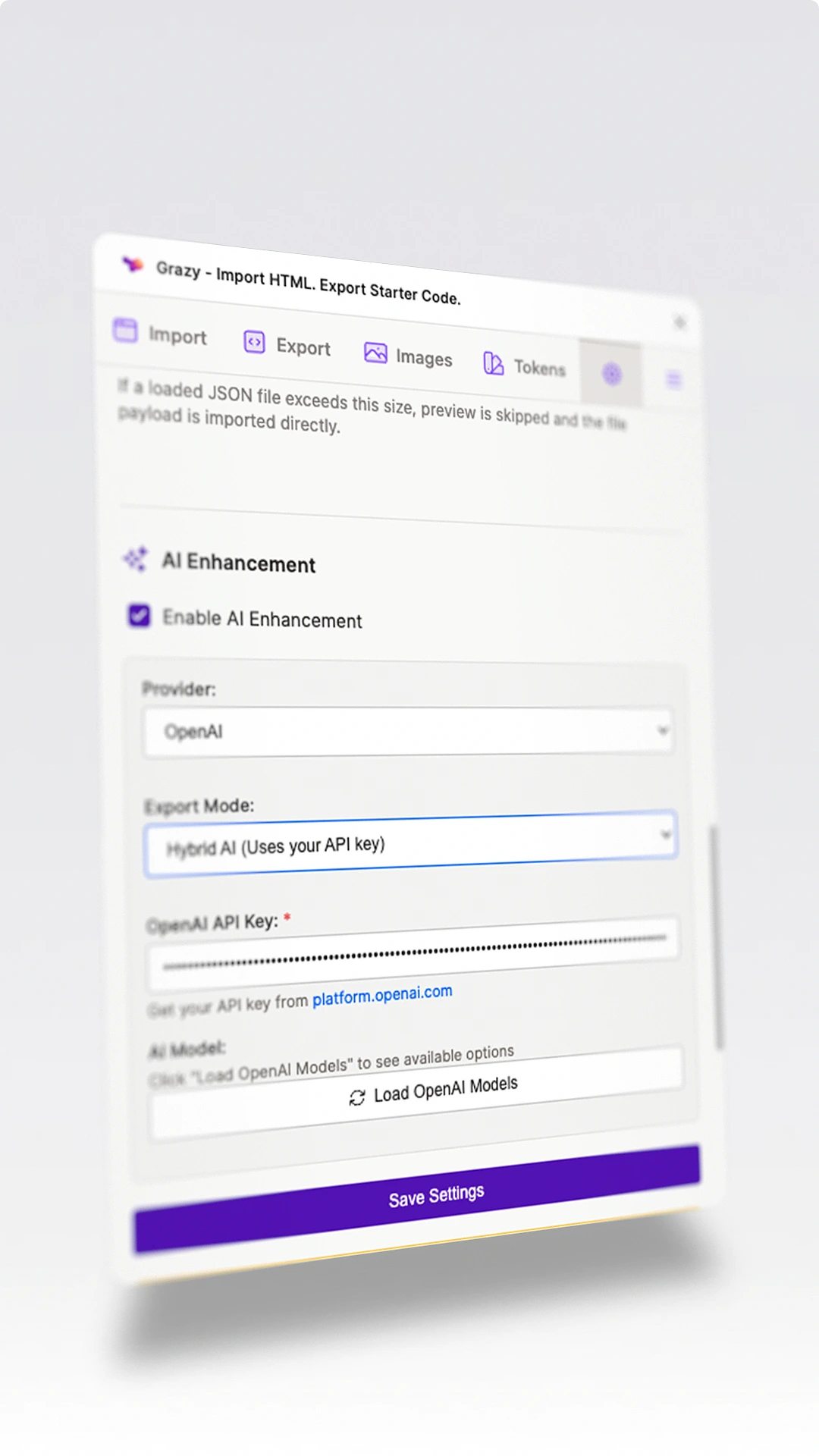
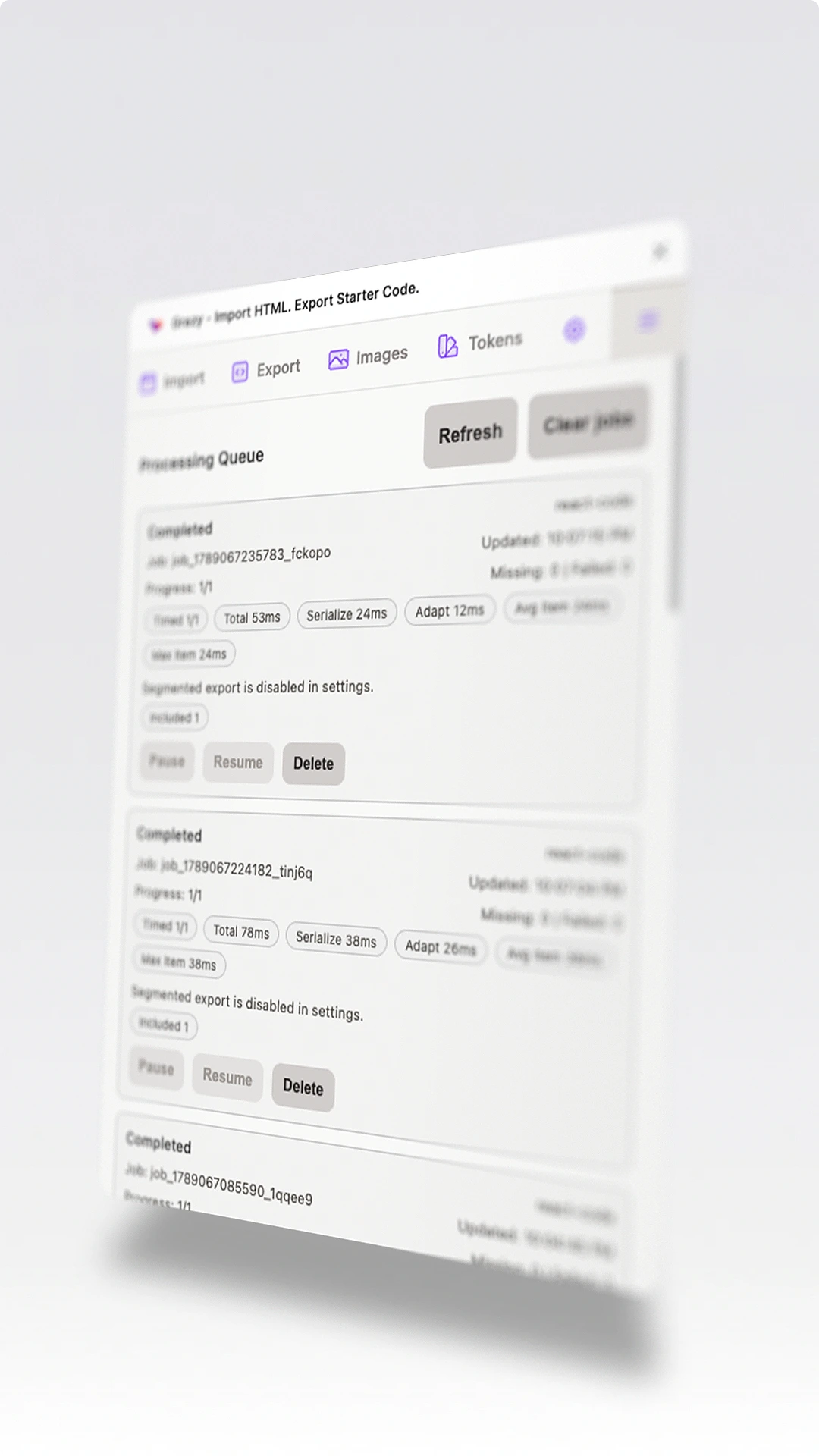
Architecture overview
What looks like a simple bridge between HTML and Figma is actually a multi-stage translation system. Each step preserves a different kind of intent so the result can stay editable, exportable, and useful across design and development workflows.
Browser capture
The extension inspects live pages, captures selected elements or screenshots, and resolves layout, styles, images, SVGs, pseudo-elements, CSS variables, and framework utility classes.
Normalized payload
Captured UI is translated into a Figma-oriented JSON structure with sizing, spacing, typography, fills, gradients, shadows, and metadata preserved for import.
Figma reconstruction
The plugin rebuilds the interface as editable Figma nodes, including auto-layout frames, text, images, vectors, list structures, and fallback font handling.
Selection serializer
Designs can then move back out of Figma through a shared intermediate model that extracts layout, styling, typography, SVG identity, component metadata, and tokens.
Export adapters
Platform adapters generate code for web and native targets, with specialized logic for stacking, fonts, SVGs, tokens, component structure, and full-page sections.
Product layer
AI enhancement, queued exports, analytics, benchmark tracking, and build profiles support the core engine. The public plugin no longer requires a subscription or sign-in.
Engineering challenges
Most of the hard work sits in the translation details: deciding what a live UI element means, recreating it as design structure, then exporting it back into code without losing too much intent.
Capturing the messy web
Live interfaces rarely map cleanly to design layers. Grazy has to infer intent from computed styles, utility classes, inherited values, hidden elements, gradients, SVGs, images, and responsive layout behavior.
Rebuilding editable Figma layers
The import path is not a screenshot-to-canvas shortcut. It reconstructs editable nodes, auto-layout relationships, typography, fills, spacing, and image data so the output can still be designed with.
Maintaining export fidelity
The export pipeline has to preserve Figma semantics that code does not express directly, such as text auto-resize modes, stack order, nested component intent, SVG identity, and token naming.
Keeping the product shippable
The plugin grew into multiple build profiles, feature flags, tests, and AI provider paths while still needing to fit inside the constraints of a Figma plugin runtime. Removing the old licensing and sign-in flows also reduced its payload.
Translation engine
The most time-consuming part was building the code generation pipeline. It had to recognize component structure, preserve design semantics, and emit useful code for very different UI platforms.
- Component detection and export required separating visual structure from reusable component intent.
- The shared intermediate node model keeps platform adapters from each inventing their own interpretation of a Figma selection.
- Web exports account for stacking, font embedding, SVG normalization, token names, responsive sections, and full-page segmentation.
- Native-style adapters translate the same source model into different layout systems rather than only changing syntax.
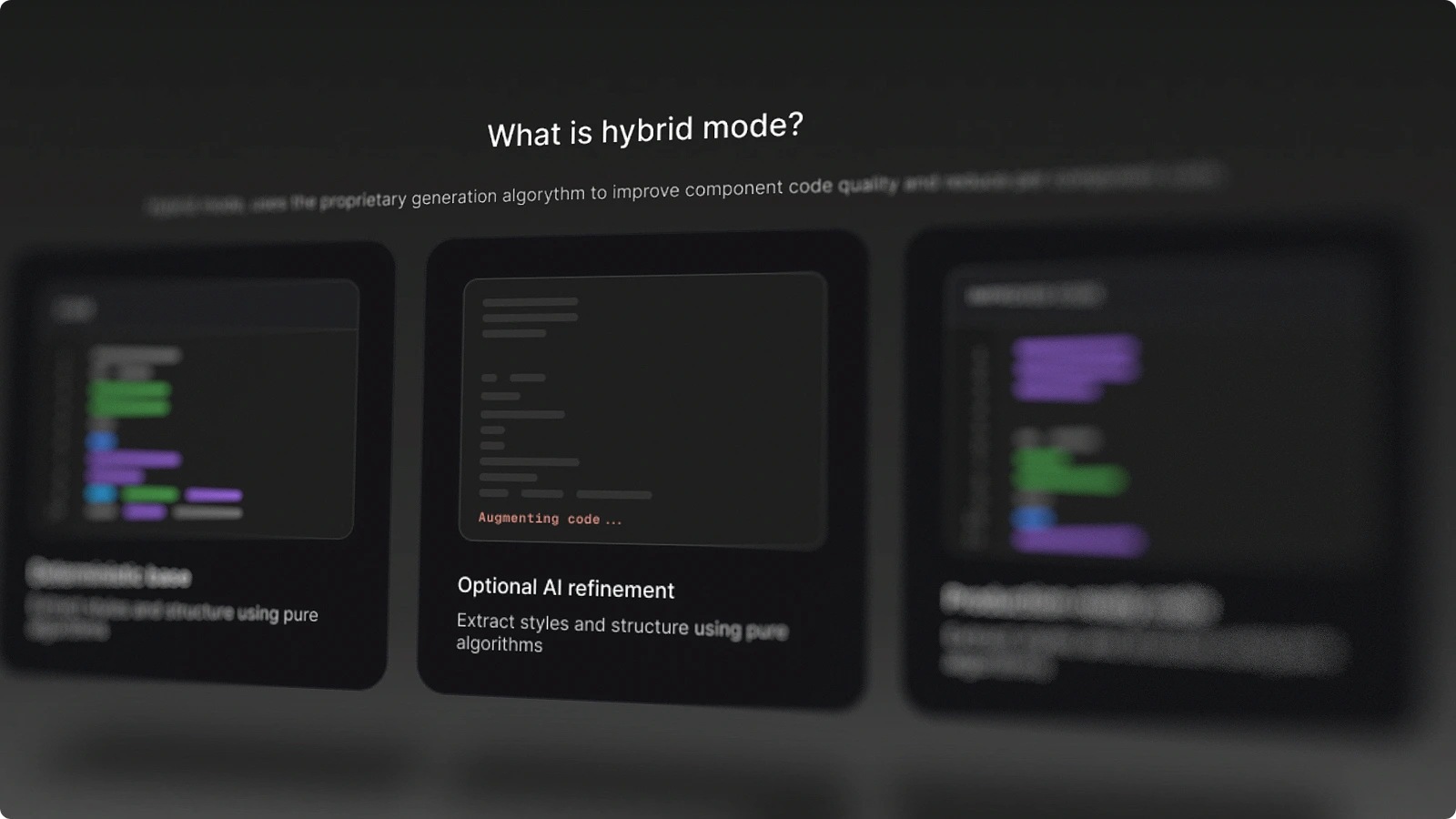
- AI enhancement is layered on top of deterministic code generation, so the baseline export remains usable even when AI is disabled.
Supported output families
Not every target has the same maturity level, but each one pushed the system to separate reusable design intent from framework-specific syntax.
Making Grazy free
Grazy started with plans for subscriptions and licensing. In July 2026, I chose to remove paid gating and simplify access to the plugin. That decision also meant removing code that the product no longer needed.
- Version 33 removed paid gating in July 2026. Grazy became available without subscriptions or sign-in.
- Version 34 removed the old sign-in, licensing, and gating code to reduce the plugin payload, alongside fixes for blur conversion and text line height.
- The plugin includes a local MCP bridge for connecting external tools to its Figma workflow.
- The focus is on editable imports and useful starter code, with conversion fidelity varying by export target.
Key Features
- Export to code: HTML/CSS, React, Vue, Svelte, Flutter, SwiftUI, Jetpack Compose
- Design system sync between code and Figma
- AI workflow bridge: ChatGPT/v0 to Figma
- QA & design review with overlay comparison
- Browser capture for DOM elements, screenshots, and UI analysis
- Living documentation from production UIs